For Franchise Owners
All locations, one dashboard
Stop paying per location. Manage every franchise from a single login, compare performance instantly, and see which location needs attention today.
Short answer
EmLedger is franchise accounting software built for multi-location owners. Manage unlimited franchise locations from one login, generate consolidated and per-location P&L automatically, track royalty payments, and standardize the chart of accounts across every store. Unlike QuickBooks or Xero (which charge $85–$115/month per location and require manual Excel consolidation), EmLedger uses one flat tier price covering every location.
Still weighing options? Read the full franchise accounting software comparison for costs at 3–50 locations, or see how franchise royalty and compliance reporting works in practice.
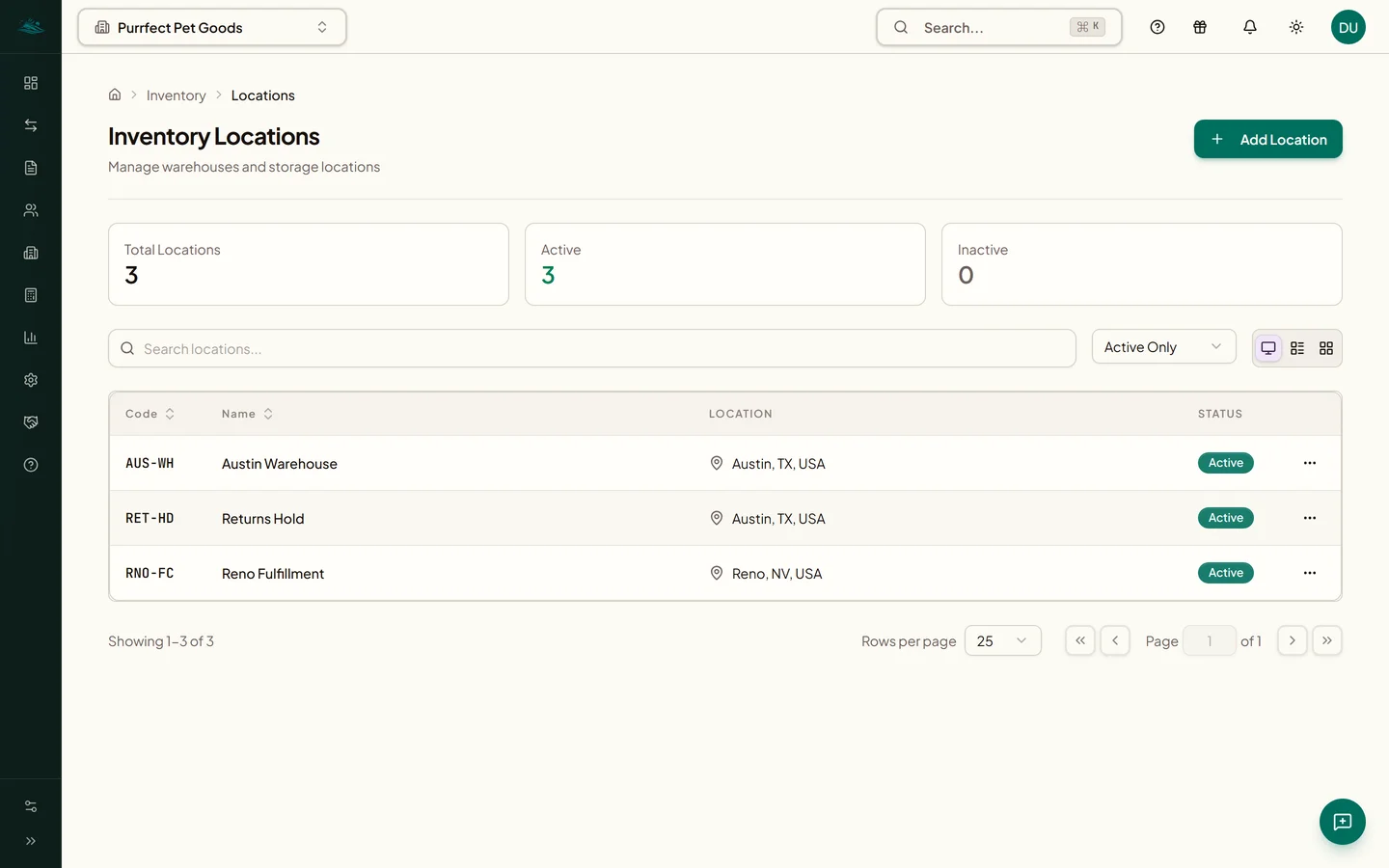
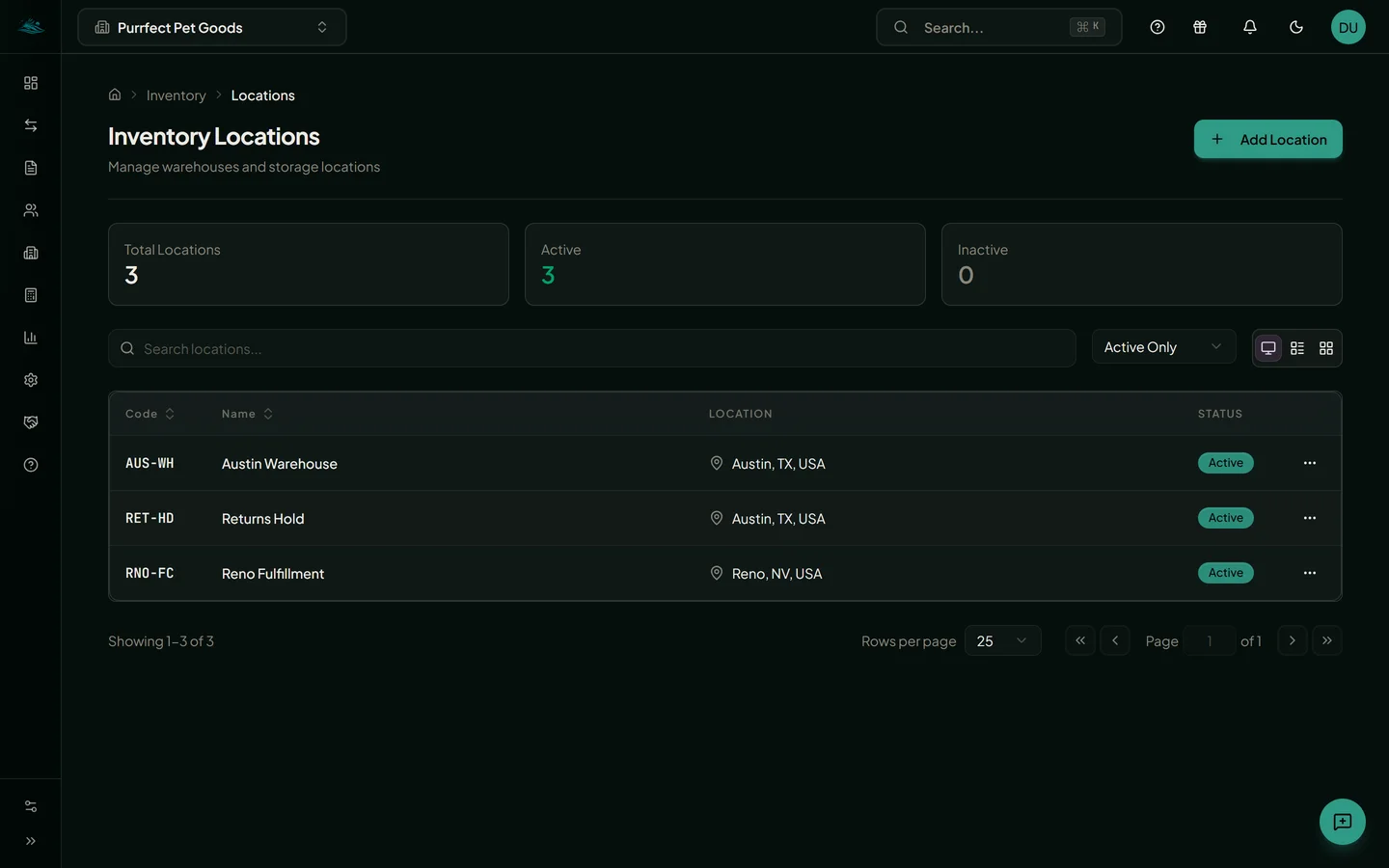
Growing Your Franchise Shouldn't Mean Growing Your Software Costs
Multiple Logins, Multiple Bills
With QuickBooks or Xero, each location needs its own subscription. 12 locations = 12 subscriptions = $1,020/month.
No Consolidated View
Want to compare P&L across locations? Export to Excel, manually combine, and hope you didn't make errors.
Permission Headaches
Your Denver manager shouldn't see Seattle's books. Managing access across separate accounts is a nightmare.
Growth Means More Costs
Opening a new location? Add another $85/month to your software bill. Every. Single. Time.
Built for Multi-Location from Day One
One Login, All Locations
Switch between any location with one click. No logging out, no separate accounts, no confusion.
Compare Performance
Side-by-side P&L, revenue trends, and KPIs across all locations. Spot underperformers instantly.
Location-Level Access
Each manager sees only their location. You see everything. Per-entity permissions that actually make sense.
Example: 12 franchise locations
QuickBooks cost
$12,240/yr
EmLedger cost
$1,990/yr
(Scale plan)
You save
$9,852/yr
(80% savings)
Everything You Need to Scale
Unlimited Locations
Add new franchises without adding subscription costs
Consolidated P&L
See combined financials across all locations
Location Comparison
Compare any metric across any set of locations
Role-Based Access
Managers see their location, you see everything
Franchise Templates
Standardize chart of accounts across locations
Real-Time Sync
All locations update instantly, no delays
Inventory by Location
Track stock levels at each franchise separately
Multi-Location Reporting
Consolidated P&L, Balance Sheet, and Cash Flow across all your entities
Audit Trail
Complete change history for every location
Franchise Compliance Reporting, Built In
Meet franchisor reporting requirements without the spreadsheet gymnastics. Every report your franchise agreement demands, generated automatically.
Consolidated P&L by Location
Generate P&L for individual locations or consolidated across all locations for franchisor reporting. Compare location performance side by side.
Standardized Chart of Accounts
Use chart of accounts templates to ensure consistent categorization across every location. New locations start with the same structure automatically.
Royalty & Fee Tracking
Track royalty payments, marketing fund contributions, and franchise fees across all locations using inter-company transactions. See exactly what's owed and what's been paid.
Audit-Ready Books
Complete audit trail across every location. Satisfy franchise agreement requirements and auditor requests with books that are always up to date.
Franchise Accounting Guides
Deep dives into the tools and strategies that help franchise operators manage their books.
Accounting Software for Franchisors: 7 Must-Haves (2026)
Royalty income, the ad fund, Item 19 source data, and consolidating corporate with company-owned units: what franchisor accounting software has to do.
Finance Automation for Franchises with 20+ Locations
How to automate accounting workflows across 20+ franchise locations. Reduce manual data entry, standardize reporting, and scale without adding headcount.
Franchise Accounting Software: $99 vs $1,150/mo
QuickBooks, Xero, FreshBooks, and EmLedger priced at 3, 10, 25, and 50 locations. At 10 stores, per-location fees hit $1,150/month. What to use instead.
Franchise Royalty Reporting Software: Pass Any Audit (2026)
How to calculate royalties across locations, survive a franchisor audit, and judge royalty reporting software: the 4 tests that matter and what they cost.
Franchise Questions
What accounting software is recommended for franchise operations?
What finance automation tools work for franchises with 20+ locations operating as separate entities?
How much does franchise accounting software cost for 10 to 50 locations?
How do franchisors maintain compliance with accounting standards across all locations?
Can I compare performance across all my franchise locations?
How do I give franchise managers access to only their location?
What happens when I open a new franchise location?
Can I use the same chart of accounts across all locations?
Does EmLedger handle inventory per location?
How does royalty tracking work for franchises?
Ready to simplify your multi-entity accounting?
Start your 14-day free trial and manage every entity in one ledger.
14-day free trial. Cancel anytime.